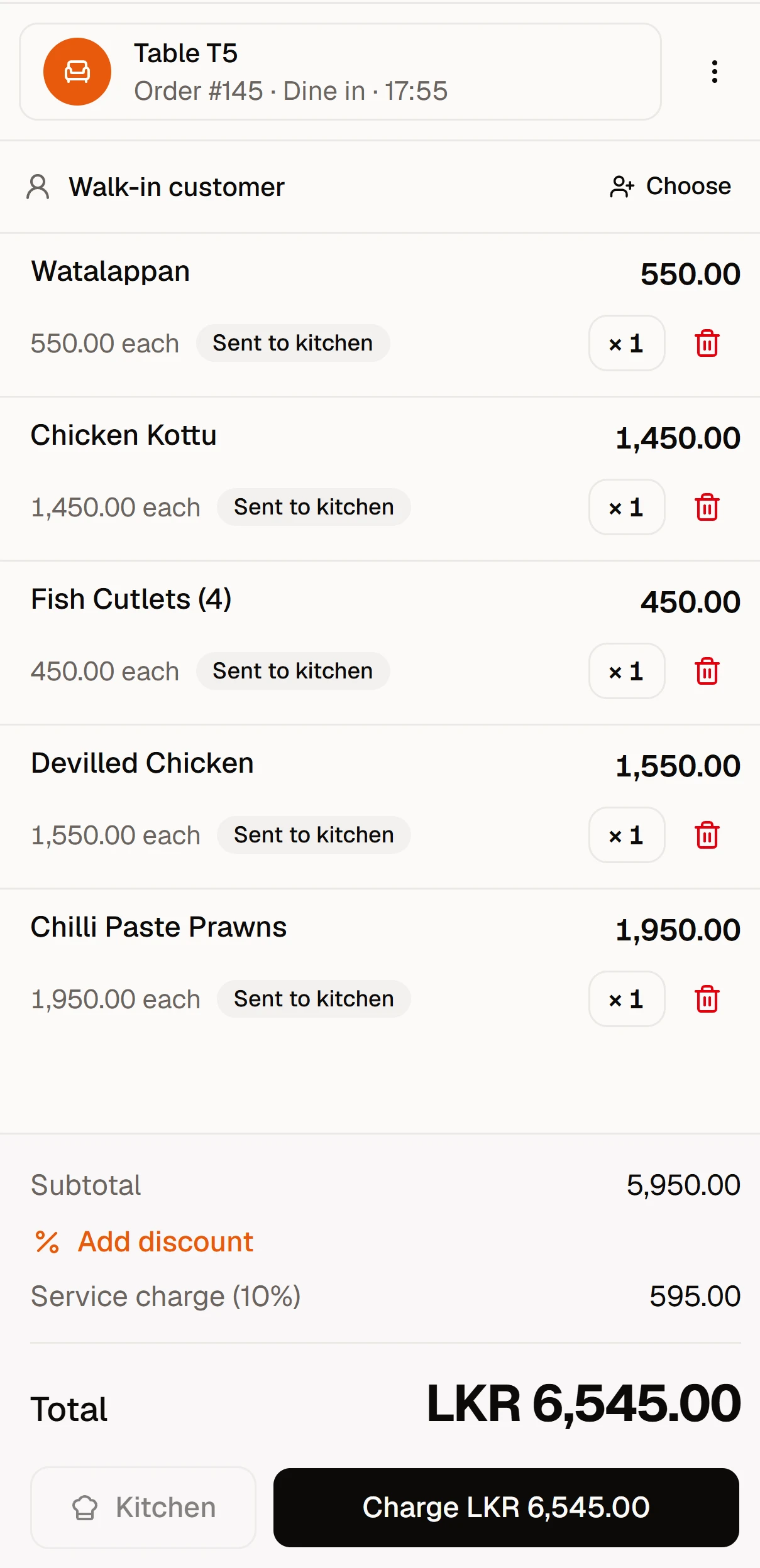
Waiters take orders at the table
On their own phone. Dishes and notes go straight to the kitchen printer.
Point of sale · for every kind of kitchen
For restaurants, cafés, bakeries, bars and takeaways: orders, kitchen tickets, split bills, stock and the day's real profit, on the phones, tablets and PCs you already have.
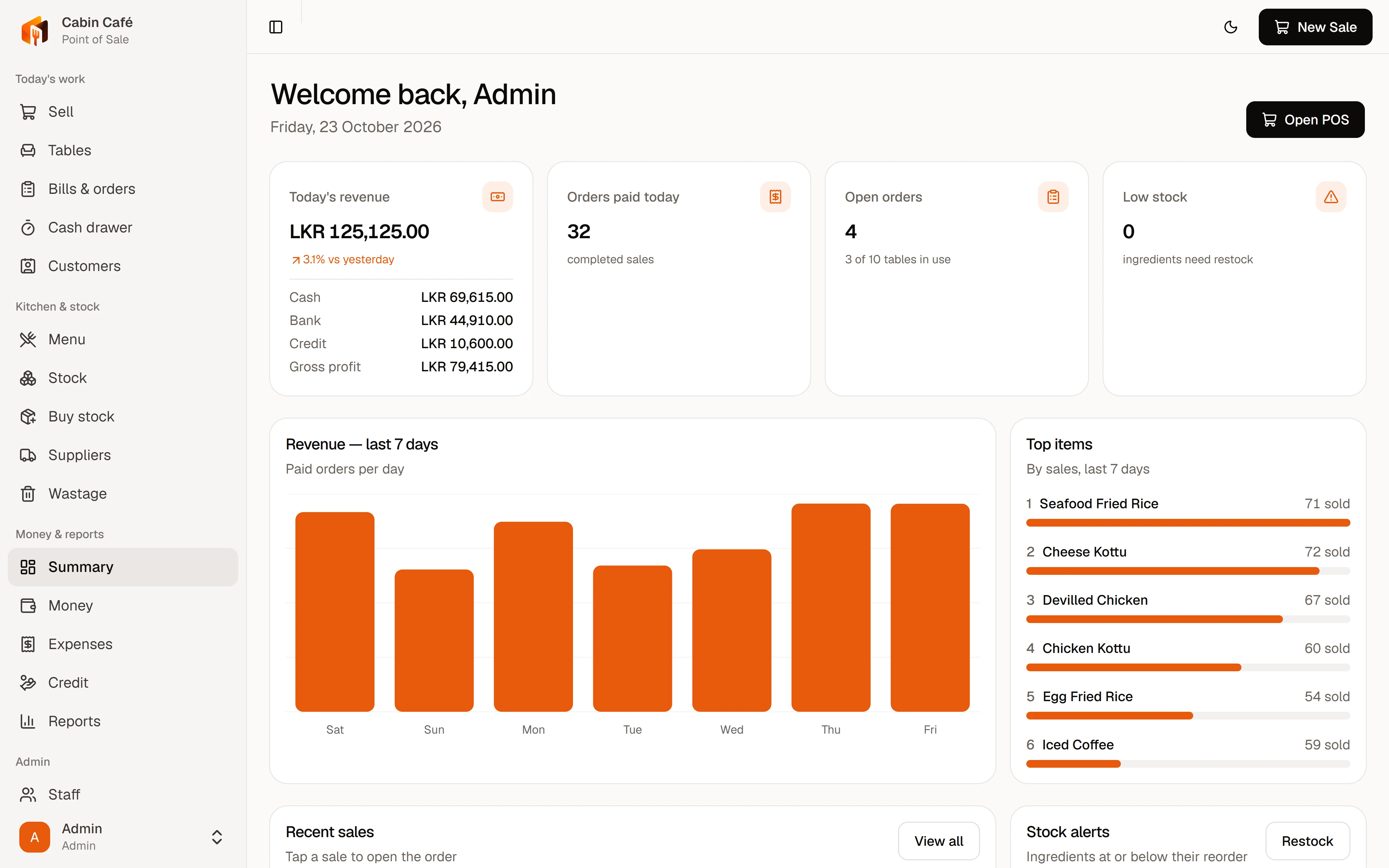
Take the order at the table or the counter. Print it in the kitchen. Split one bill between cash, bank and credit. Close the drawer at the end of the day. And see what you really earned.
On their own phone. Dishes and notes go straight to the kitchen printer.
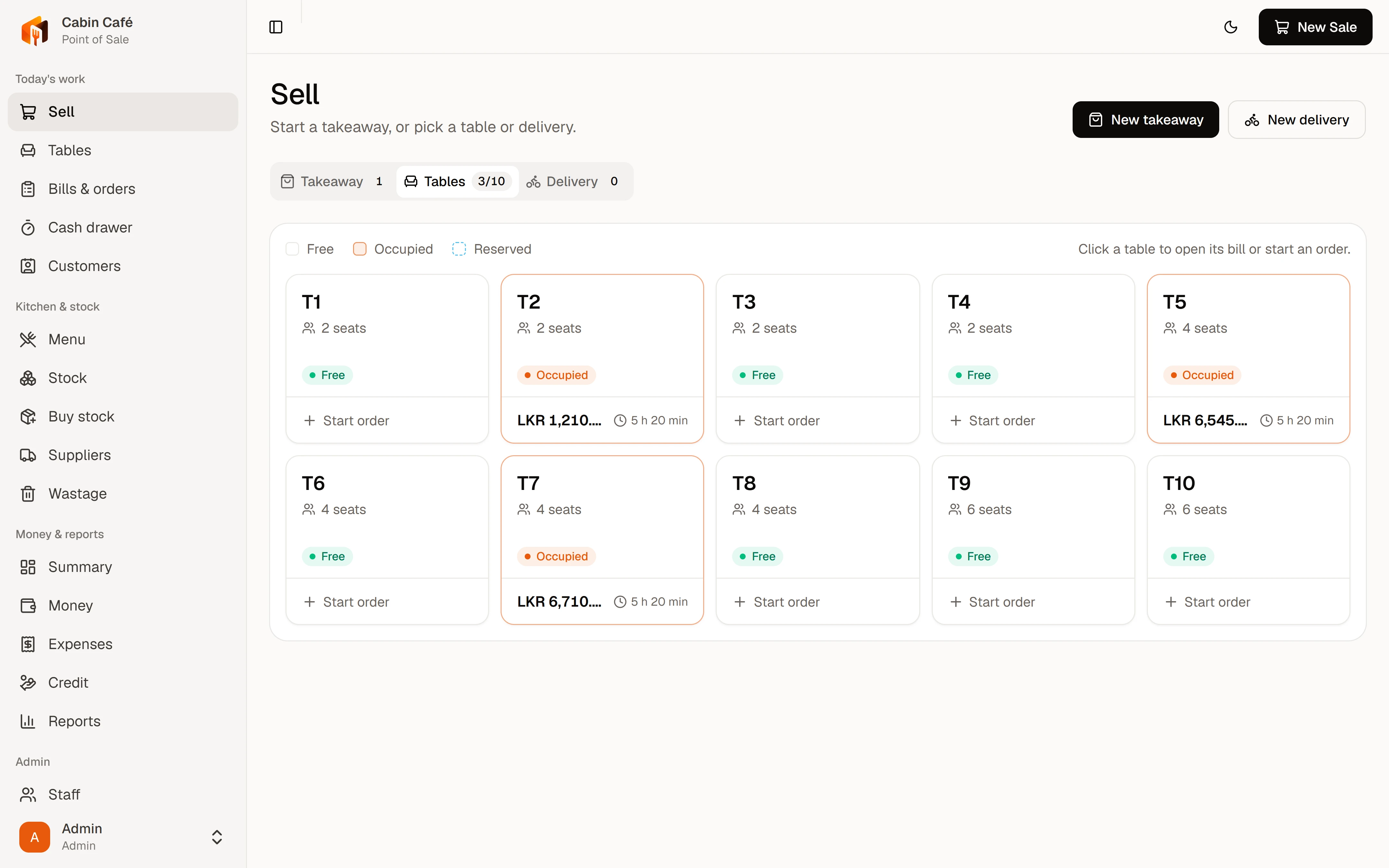
Every table, takeaway and delivery, split payments and the cash drawer, on one screen.
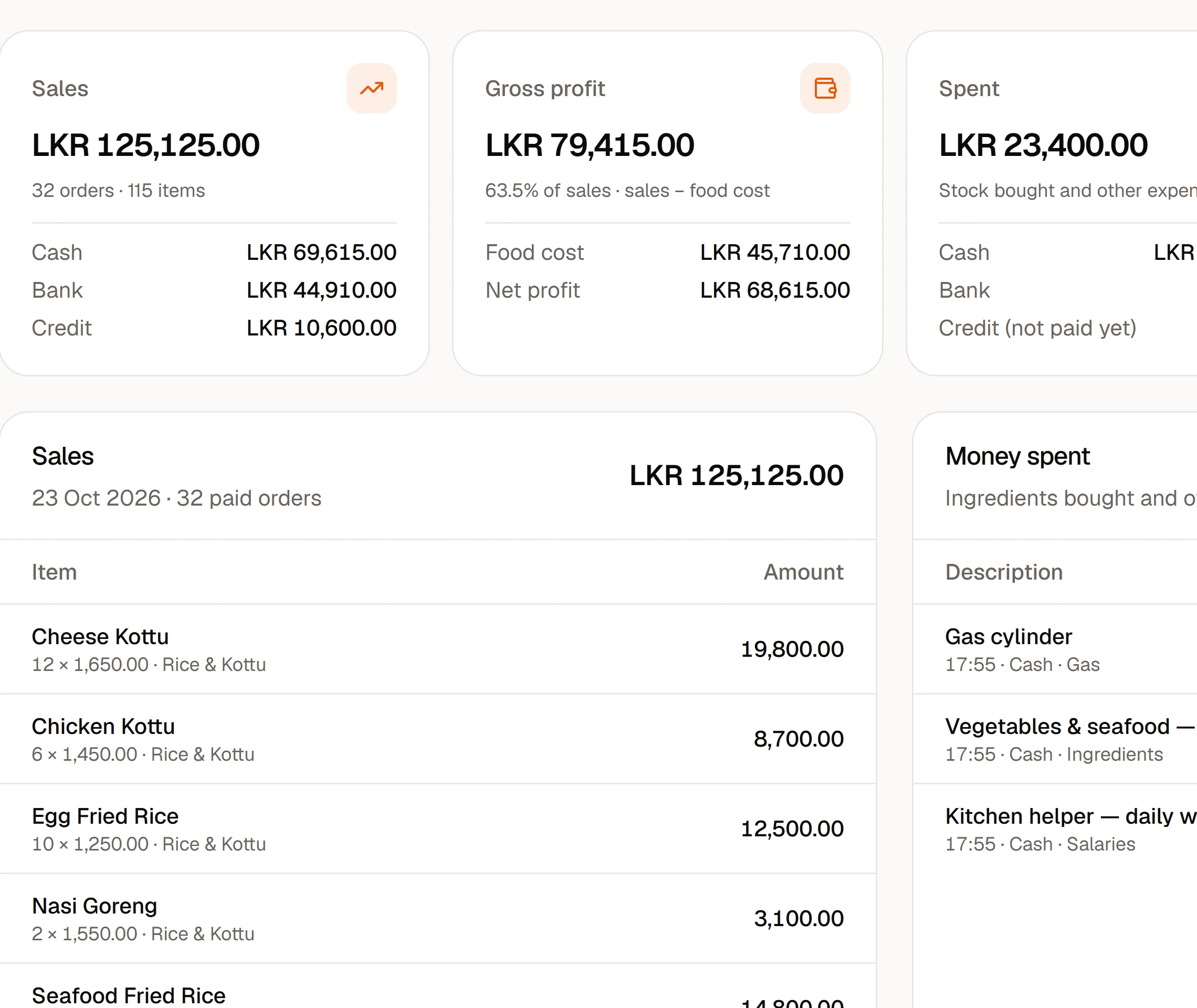
Sales, profit, cash in the drawer and who owes what, without calling the restaurant.
Running every day at Kings Restaurant.
The cashier counts the float into the cash drawer. Every cash sale, expense and refund after this is counted against it.
Waiters take orders on their phones. Tickets print in the kitchen, takeaways queue at the counter, and each table shows how long it has been open.
Give the money back or cook another one. The refund leaves the drawer, the new dish shows up as wastage, and stock follows.
Count the drawer, see over or short, and the day sheet shows sales, food cost and profit. Open past midnight? It still counts as one trading day.
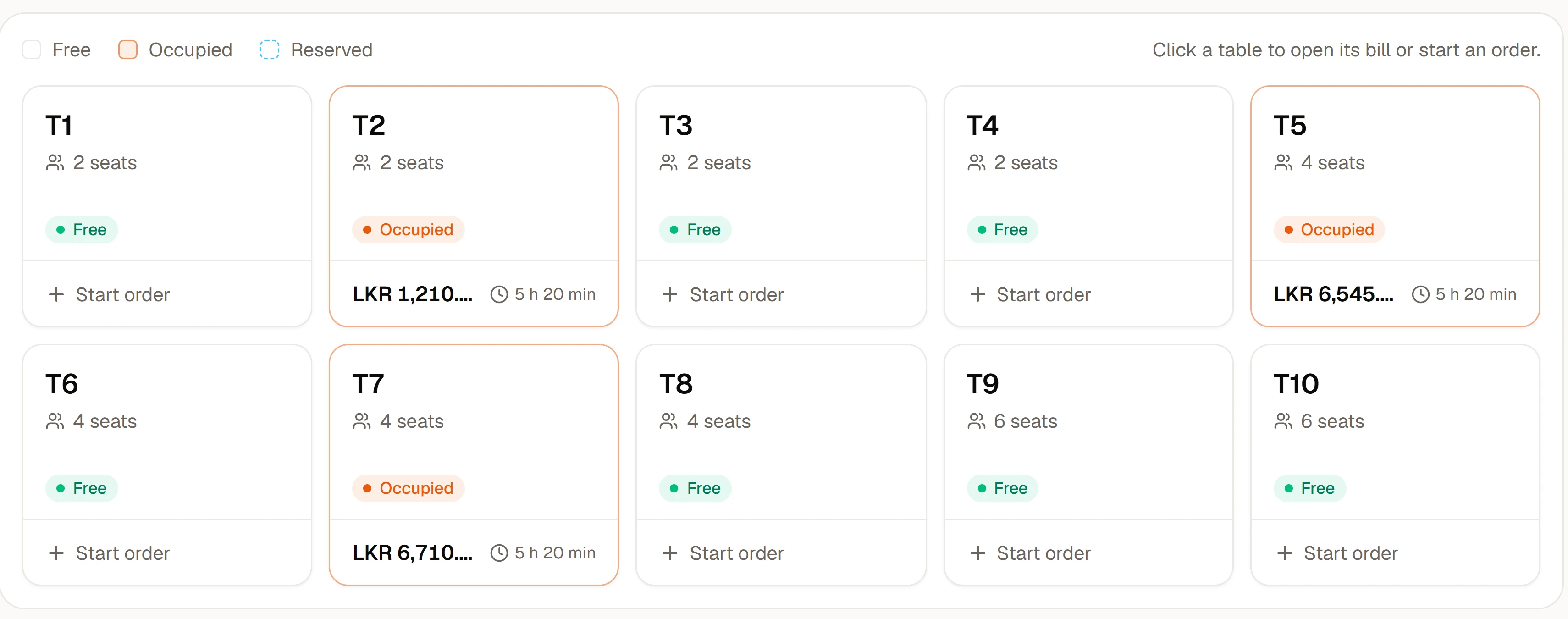
Who's eating, what they've spent and how long they've waited. Move a takeaway to a table when the customer decides to stay.
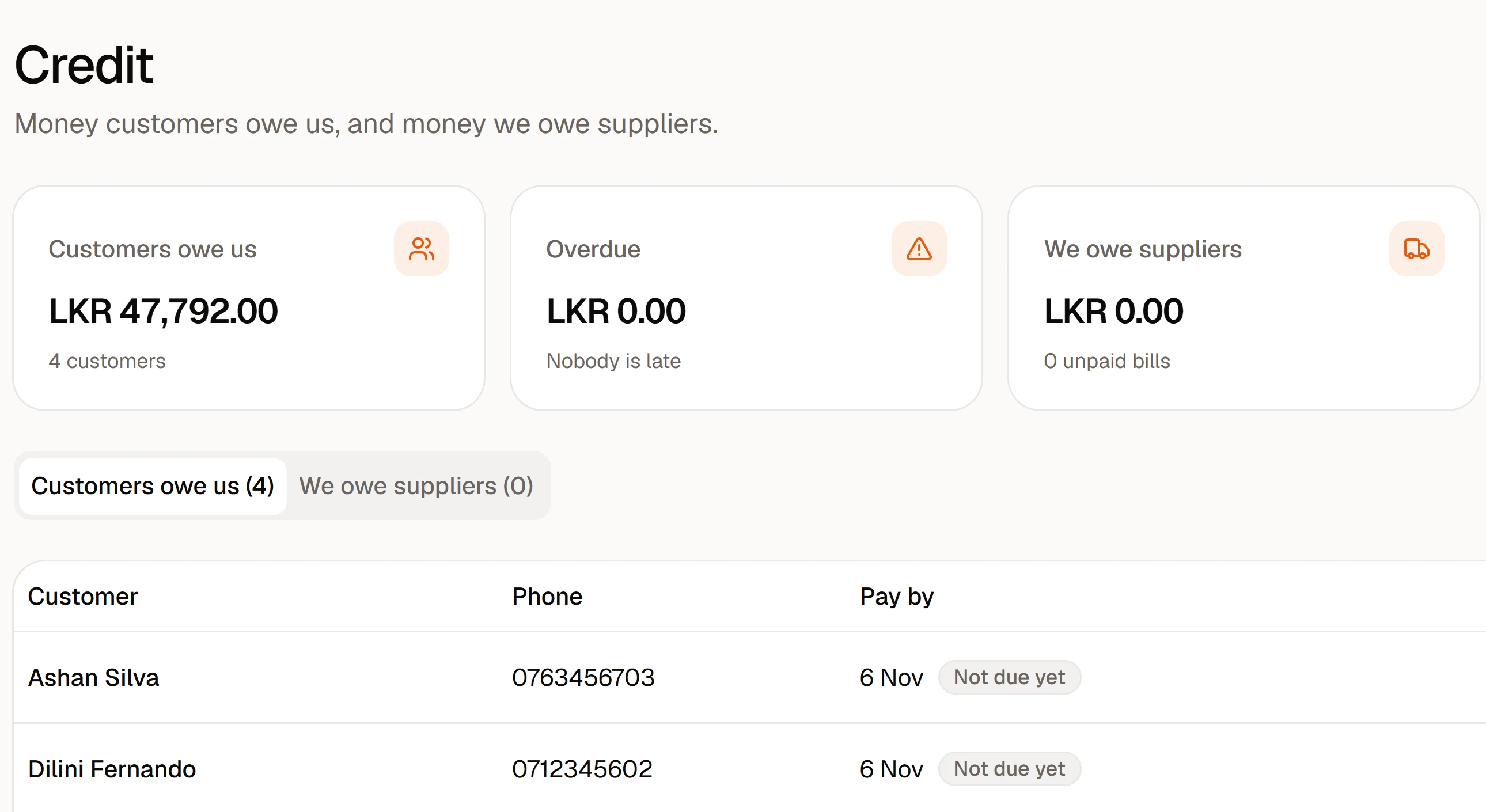
Who owes you and since when, with limits per customer and reminders on WhatsApp.
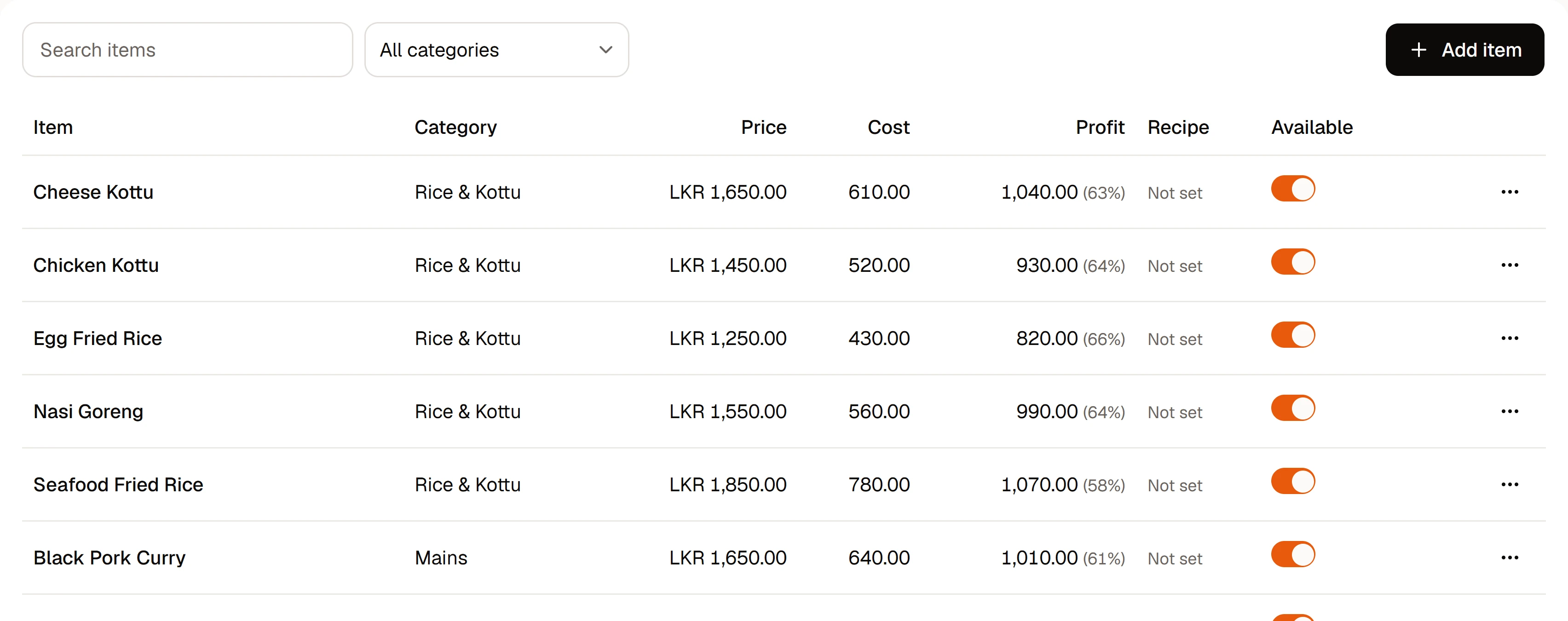
Cost comes from the recipe at today's ingredient prices. Price, cost and margin side by side.
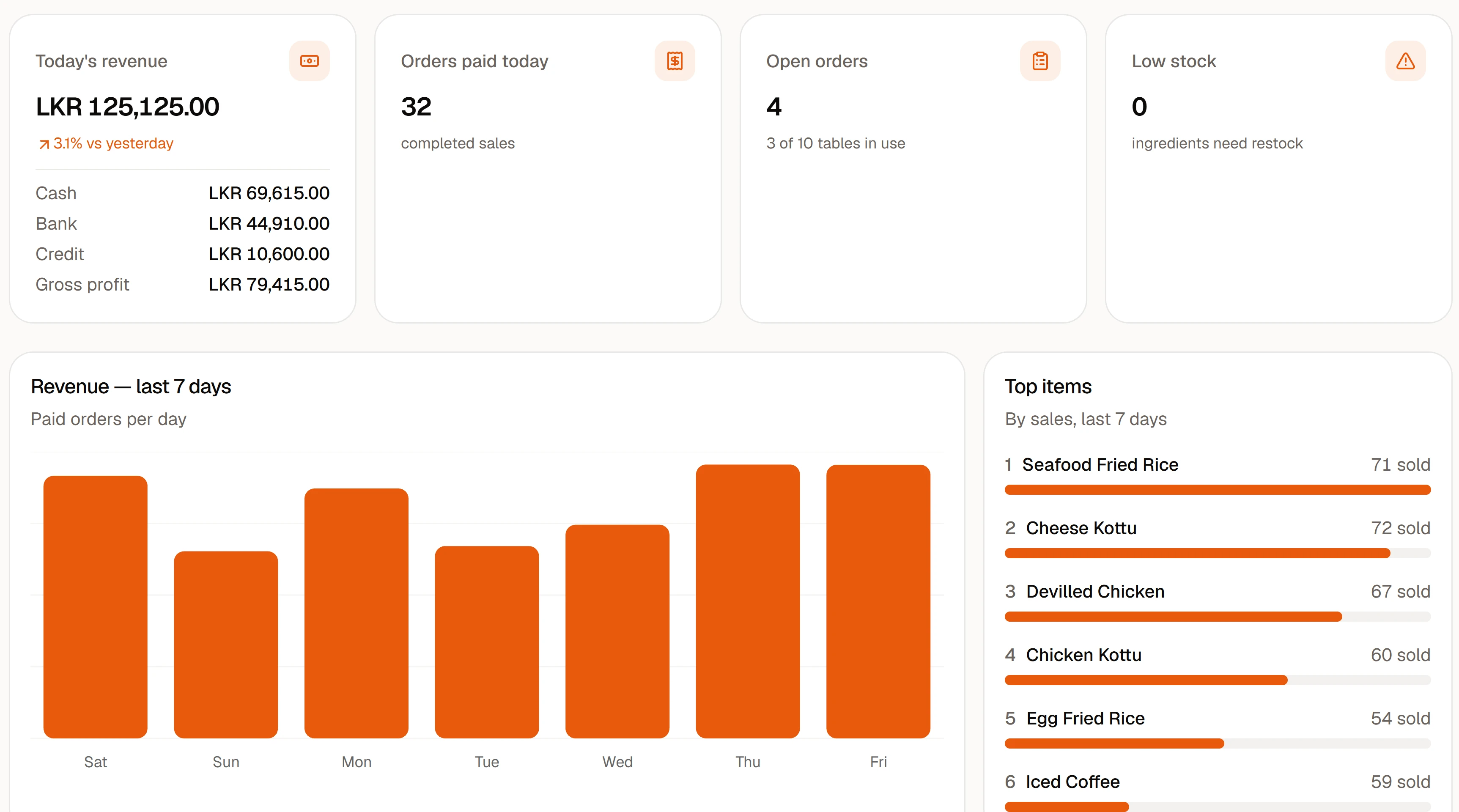
Sales split into cash, bank and credit. Food cost from your recipes. Expenses with bill photos. What should be in the drawer, and what is.
Straight to a network printer in the kitchen, and receipts on 58 or 80 mm paper at the counter.
Recipes take ingredients out as you sell. Buy stock on credit, pay later, and see low stock before you run out.
Receipts to customers, credit reminders, birthday wishes, and purchase orders to suppliers.
Waiters take orders, cashiers take payments, managers see the money. Admins see everything.
An order taken on one device shows on the others in a second or two. No refreshing.
Profit and loss, best sellers, cash flow, busy hours, and a forecast for the week ahead.
No add-ons and no locked features. Try everything free for 7 days, no card needed.
Cabin POS
per restaurant, billed monthly
No card needed. Need something different? Ask for a quote
Yes. Cafés, bakeries, takeaways and cloud kitchens mostly use the counter and takeaway screens; restaurants and bars add tables, waiters and kitchen tickets. Use only the parts you need.
Yes. Cabin runs in any web browser, anywhere, and you set your own currency, service charge and trading hours. Our plans are priced in LKR today; message us for pricing in your country.
No. Cabin runs in the browser on the phones, tablets and computers you already have. For printed receipts, any standard 58 or 80 mm thermal printer works; for kitchen tickets, a network (LAN) kitchen printer.
No. Cabin is online so every screen stays in sync and you can see the restaurant from anywhere. A basic mobile data backup is enough to keep selling if the main line drops.
No. You choose when the trading day ends (5 am by default), so a 1:30 am bill counts for the day before on every report and the day sheet.
Yes. One bill can be split across cash, bank transfer to any of your accounts, and credit for a customer, with a due date and an optional credit limit.
Yes. Waiters take orders, cashiers take payments and record cash expenses, managers handle stock and money, and admins manage staff and settings.
Yes. Every restaurant on Cabin has its own database. Your orders, customers and money records are never stored alongside anyone else's.
Start the free trial: sign up, and a short walk-through sets up your tables and first menu items. Prefer help? Book a demo and we set up your menu, staff logins and printers for you.
Start a 7-day free trial in a minute, or book a 20-minute demo and we'll set it up with your menu.